IDP SPOT
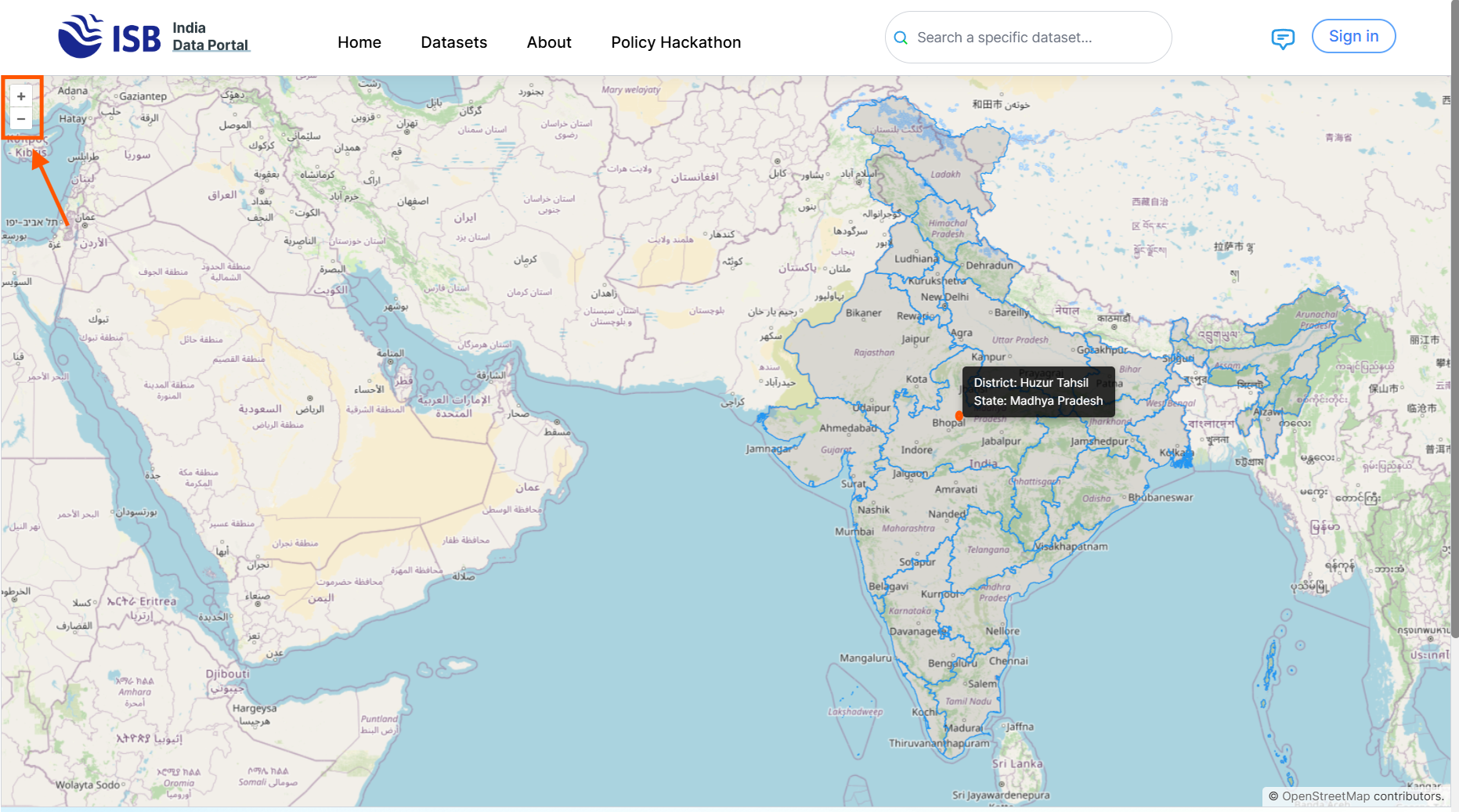
1. Click anywhere on the India map for the location you want to get indicators. You can also zoom in or out of the map for higher granularity.
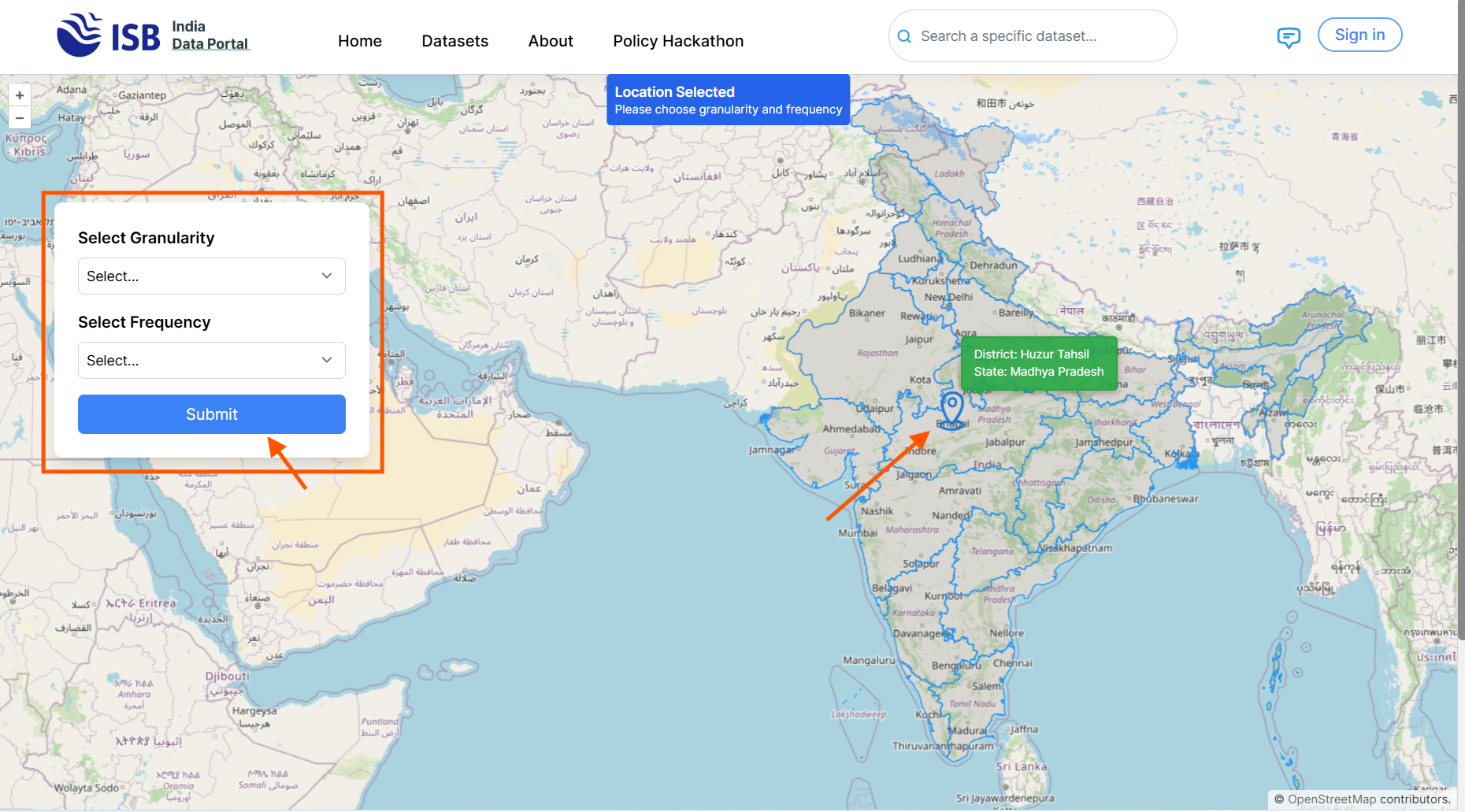
2. After selecting the location, a dialog box will appear asking you to select the granularity and frequency. Once done, click the Submit button.
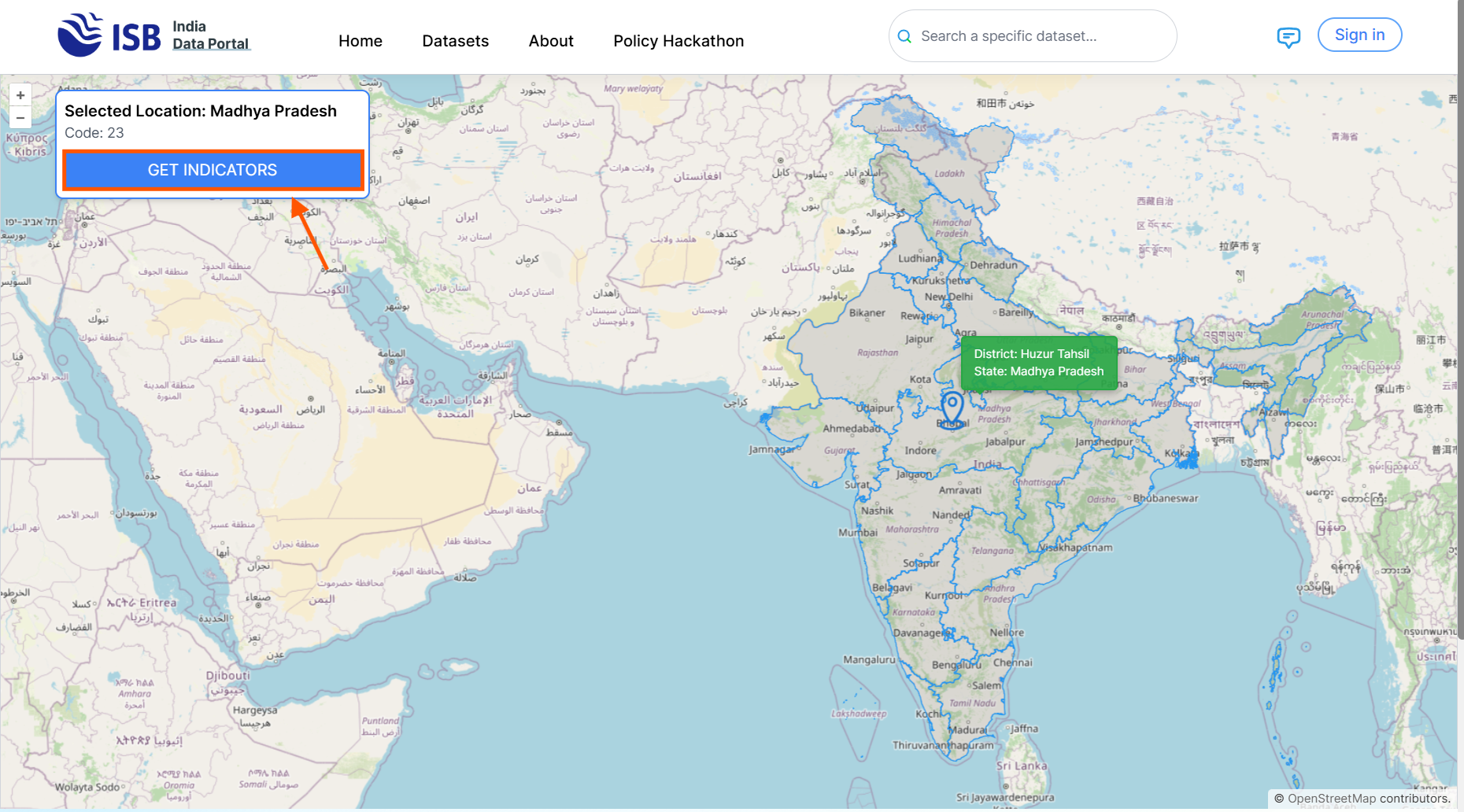
3. You will then see the selected location based on the chosen granularity. After that, click the Get Indicators button.
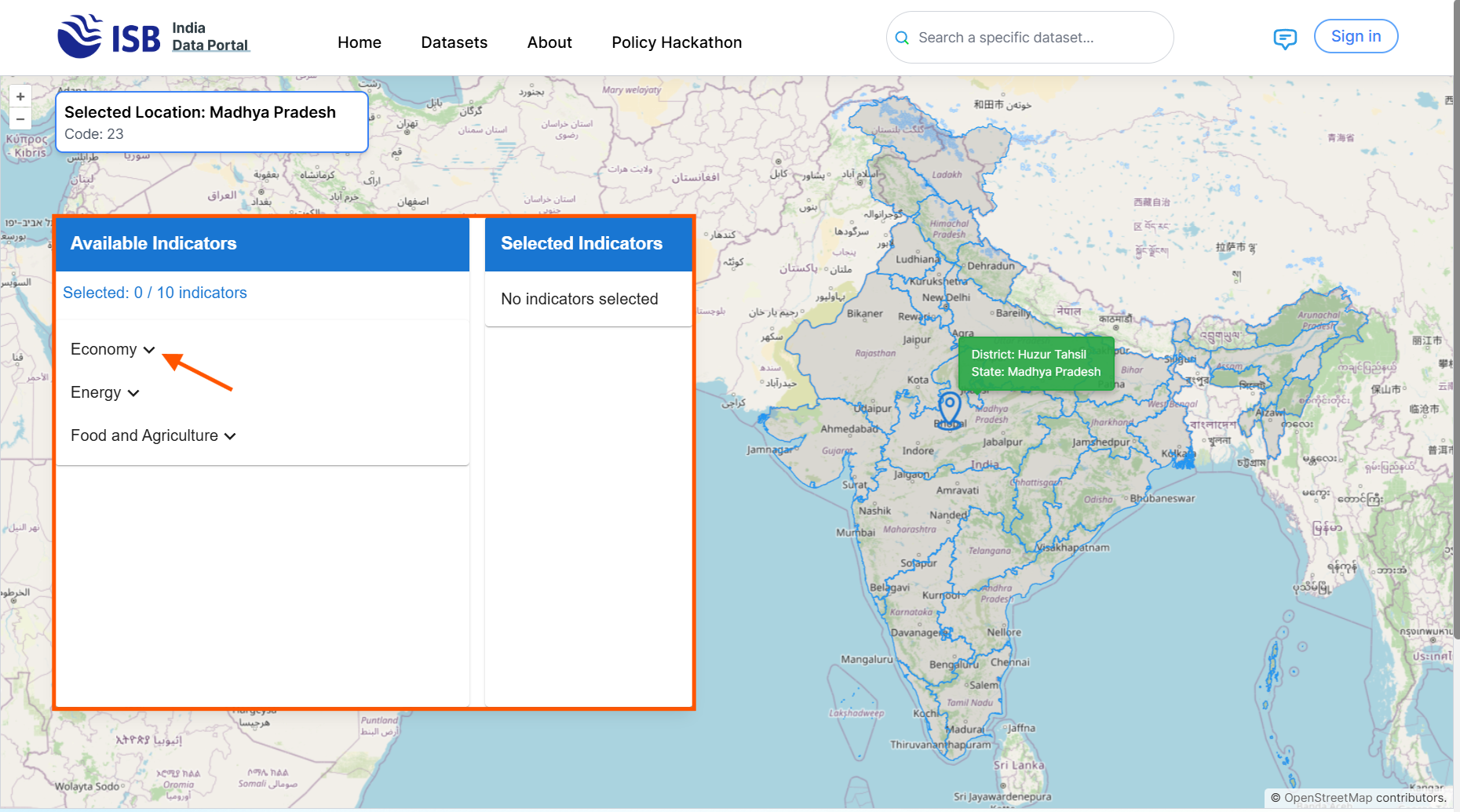
4. A list of available indicators based on the selected granularity, frequency, and location will be displayed sector-wise. You can click the dropdown to expand the sectors.
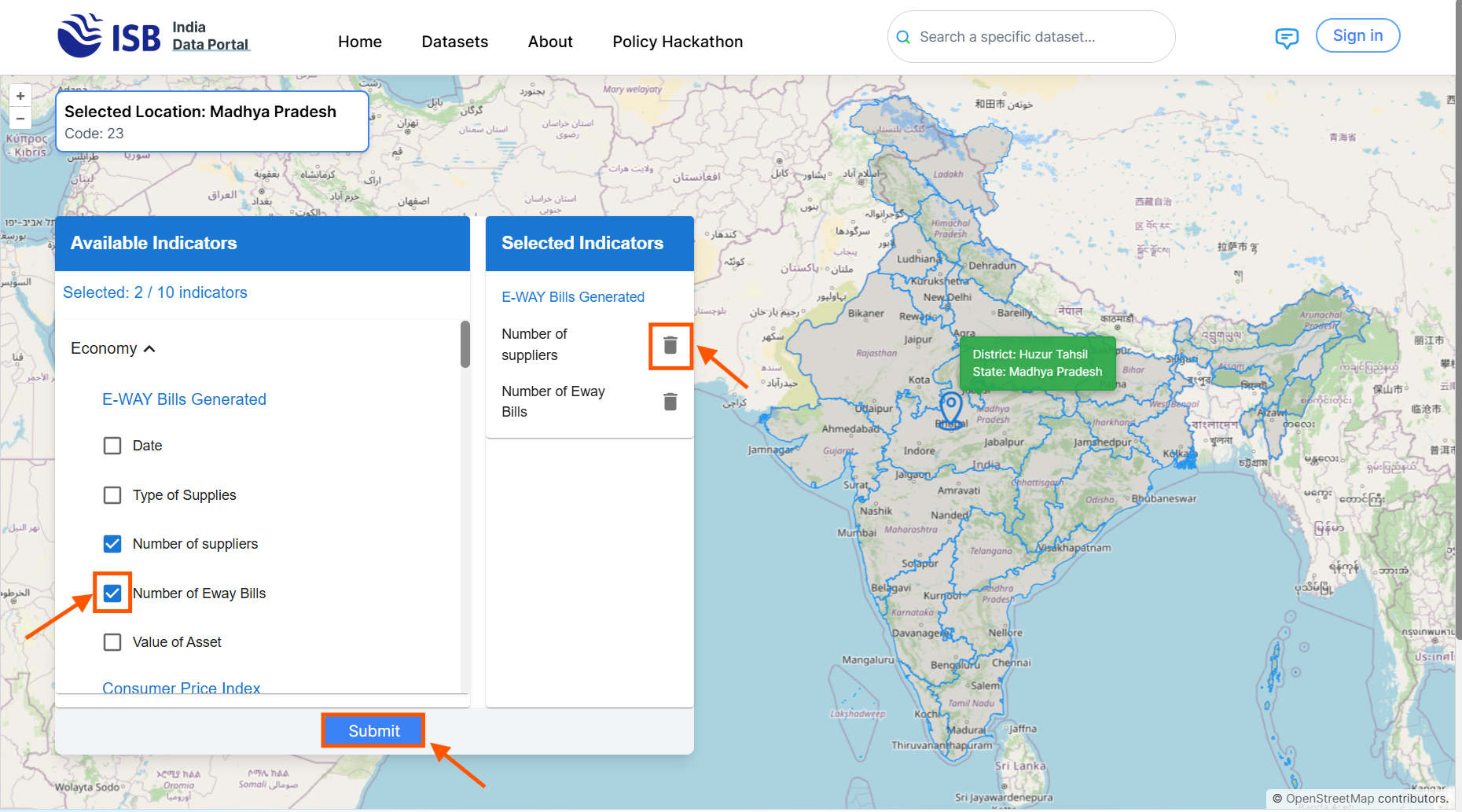
5. Check the boxes for the indicators you want to select. You can click the delete icon to remove indicators from the selected list. Then click the Submit button.
6. The window will scroll down to the dataset preview, where you will see the combined indicators in a single dataset.
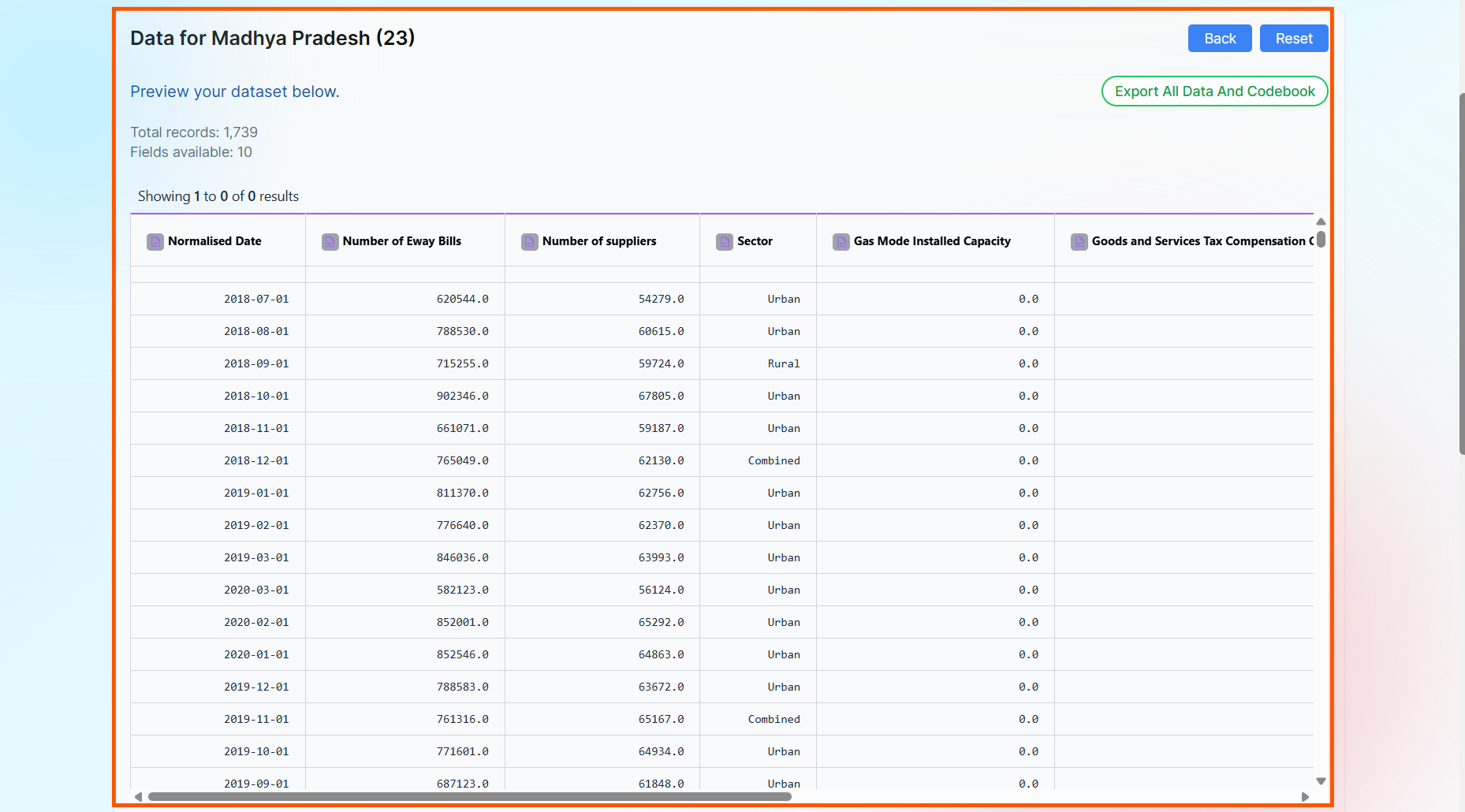
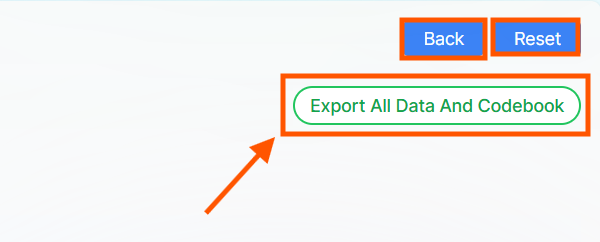
7. You will have the option to download the dataset and the codebook. The Back button will take you to the previous step, and the Reset button will reset the map and allow you to start from the beginning.